
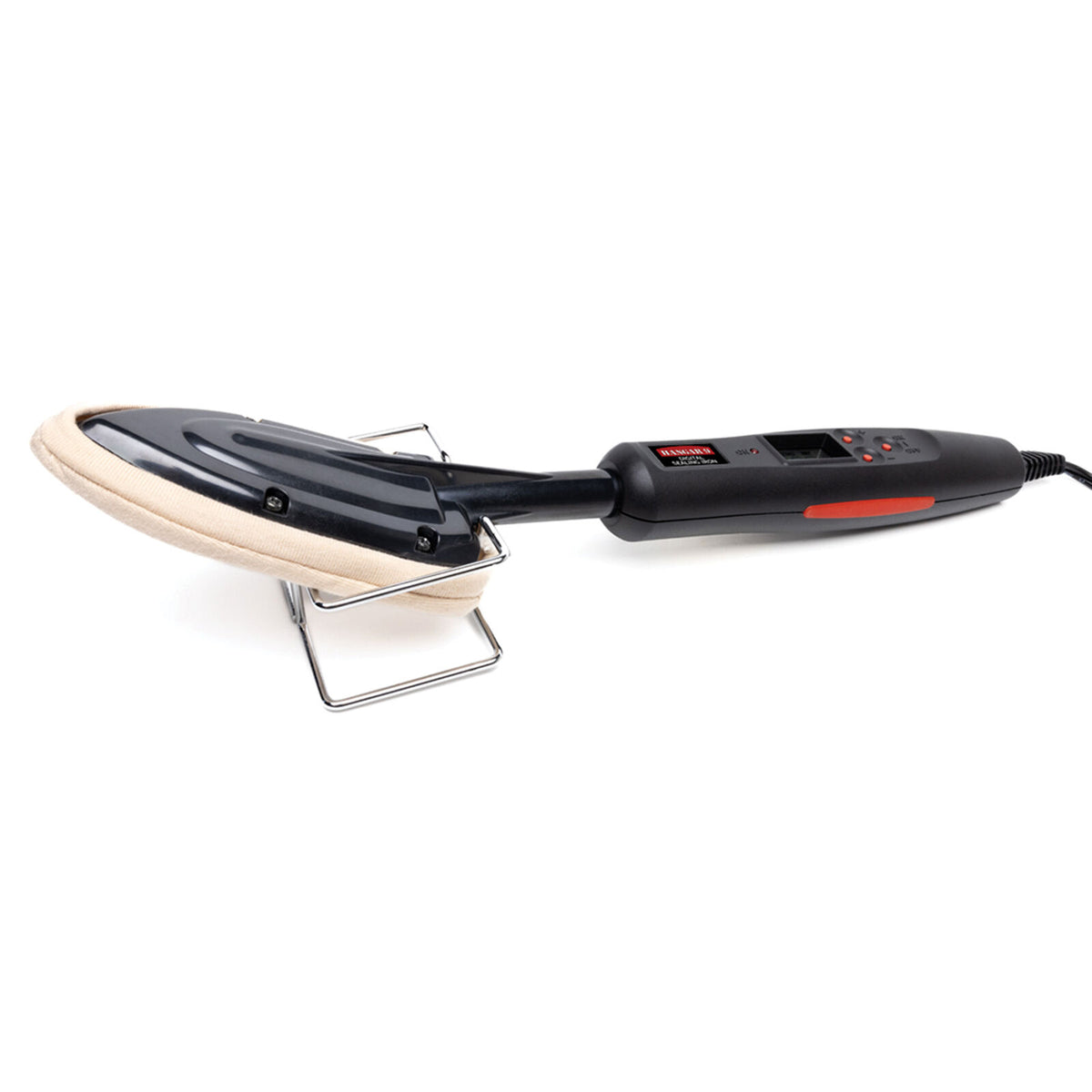
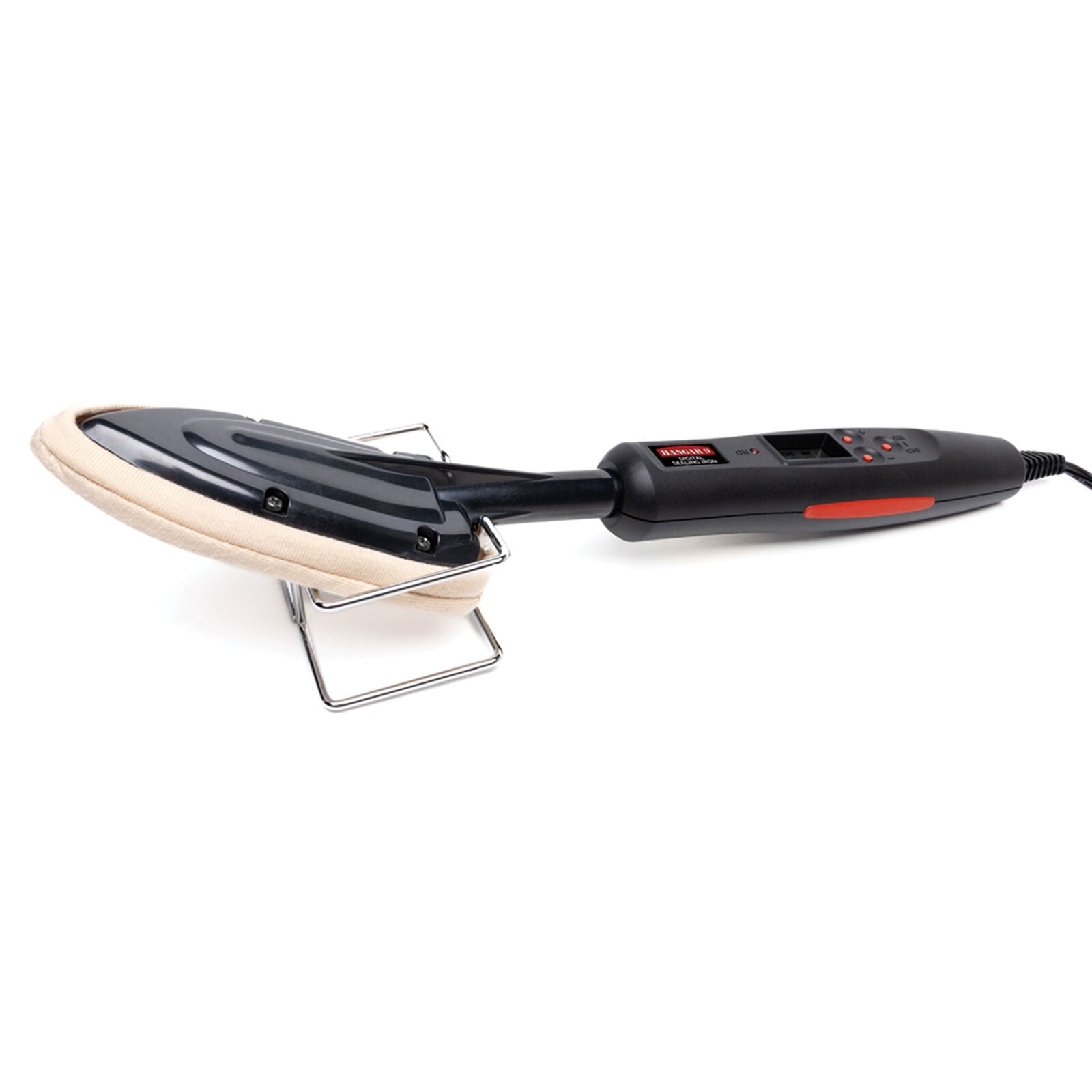
Hangar 9 HAN1017 Digital Sealing Iron
Regular price
$ 69.99
Couldn't load pickup availability
If you Like it SHARE it
Hangar 9 HAN1017 Digital Sealing Iron.
Key Features
- Precise digital temperature control with LCD power indicator
- Selectable temperature units (°C / °F)
- Updated Teflon-coated shoe design — prevents scratching and marking
- Ergonomic handle for comfortable extended use
- Metal stand and iron sock included
- Three-hour automatic shutoff safety feature
- Compatible with UltraCote, MonoKote, and other heat-shrink covering films
- Precise digital temperature control
- LCD power indicator
- Adjustable temperature units
- Perfect for any heat shrink film or fabric covering
- Updated shoe design for easier covering
- Teflon coated shoe prevents scratching
- Metal stand and sock included
- Ergonomic handle design for comfortable handling
- Three-hour shutoff safety feature
- Use of the sock is optional, though recommended. The sock will help prevent marking and potential creasing of the underlying airplane structure.
- After installing the sock, place the iron on the included stand, then place it on a heat resistant surface. Connect the iron to an appropriate AC wall outlet. Press the ON/OFF button to power the iron on. Adjust the temperature to the desired level with the temperature adjustment buttons.
- Holding both the ON/OFF and C/F button for approximately three seconds will change the temperature display mode between Celsius and Fahrenheit.
- Set the iron to the temperature recommended for the covering material being used. Once the iron reaches the set temperature, it’s ready for use. You may find it helpful to test a scrap piece of covering to ensure the temperature setting is appropriate for the task being performed. Often tacking the shrinking are performed at different temperatures.
Product Details
- Use of the sock is optional, though recommended. The sock will help prevent marking and potential creasing of the underlying airplane structure.
- After installing the sock, place the iron on the included stand, then place it on a heat resistant surface. Connect the iron to an appropriate AC wall outlet. Press the ON/OFF button to power the iron on. Adjust the temperature to the desired level with the temperature adjustment buttons.
- Holding both the ON/OFF and C/F button for approximately three seconds will change the temperature display mode between Celsius and Fahrenheit.
- Set the iron to the temperature recommended for the covering material being used. Once the iron reaches the set temperature, it’s ready for use. You may find it helpful to test a scrap piece of covering to ensure the temperature setting is appropriate for the task being performed. Often tacking the shrinking are performed at different temperatures.
Additional Product Details
The Hangar 9 HAN1017 Digital Sealing Iron delivers precise temperature control for applying and sealing UltraCote and other heat-shrink RC aircraft covering films. The updated Teflon-coated shoe design, ergonomic handle, and digital LCD display make professional-quality covering results achievable for builders of all skill levels. Includes metal stand and iron sock.
Specifications
| Manufacturer Part Number | HAN1017 |
| SKU | HAN1017 |
| Type | Digital Sealing Iron |
| Temperature Display | °C / °F selectable |
| Shoe Coating | Teflon |
| Safety Shutoff | 3-hour automatic |
| Includes | Metal stand, iron sock |
| Weight | 32 oz |
| Country of Origin | China |
| Manufacturer # | HAN101 |
| Tool Type | Covering Tools |